 ®
How flows work
A flow starts with When, then the steps in order. Test it, then publish.
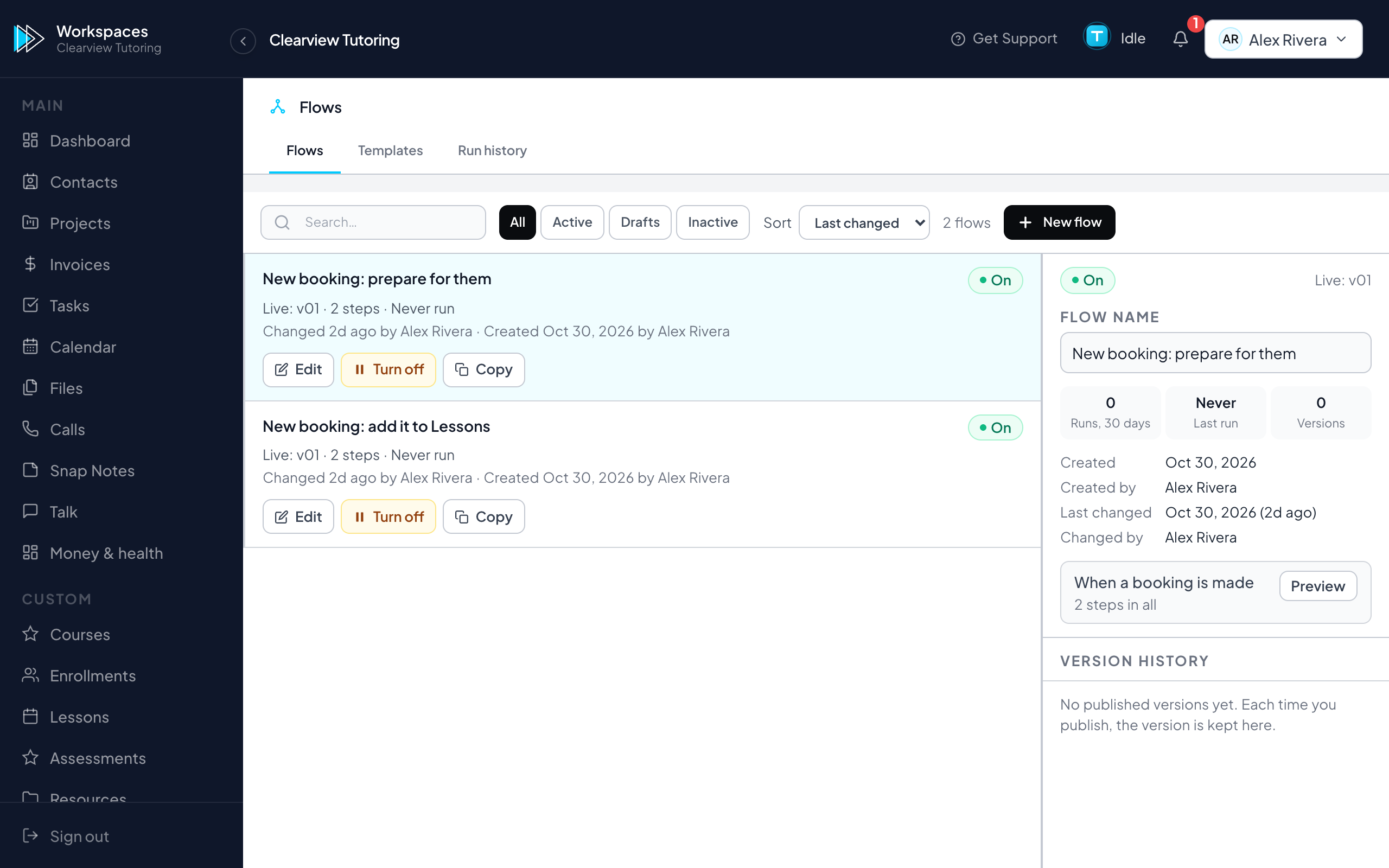
Open Automation Studio and press New, or start from a ready-made flow. A flow is a card for When, then cards for each step. Press a card to set it up in the panel beside it. Nothing to code.
- Pick what starts it (next page).
- Add steps: a condition, a split, a wait, a question to a person, a sum, or an action.
- Press Test to walk it through with nothing real happening.
- Press Publish. Every run is listed under Run history, with what each step did.
Tip:Rather describe it? Ask Trig: "make a flow that creates a task when a booking comes in". It drafts the steps; an owner or admin publishes.
Was this helpful?
Still stuck? Inside your workspace press Get Support at the top of any page, or write to support@trigig.com. A person replies within one business day.